Application Review
We review all submissions for eligibility and completeness.
 Azure Innovators Hub - Mini Hackathon
Free, live training — 2 days · 4 hours/day · Hands‑on labs
Each student receives an Azure Virtual Desktop for the workshop.
Architect scalable workloads with revisions, ingress, scale rules, and Dapr building blocks.
Embed model inferencing with secure configs, rate limiting, and observability patterns.
Wire up CI/CD, environments, secrets, and multi‑stage deploys with guardrails.
Implement logs, metrics, tracing, and cost‑aware scaling for reliable operations.
Random Selection Draw
Selection is random via a public draw, announced on YouTube. Hosted live on Sat 17th of January at 7:00 p.m EET (UTC+2).
Watch Live!We review all submissions for eligibility and completeness.
Seats are allocated via a random draw from qualified applicants.
Selected participants receive an email with full details and next steps.
Confirm attendance and receive your Azure Virtual Desktop credentials.
Windows, macOS, or Linux; 8GB RAM recommended; dual monitors are a plus.
Stable connection, ~10 Mbps+ recommended for Azure Virtual Desktop.
Latest Edge, Chrome, Firefox, or Safari with JavaScript and cookies enabled.
Headset or headphones with mic; webcam optional; quiet workspace suggested.
Architecture, environment setup (with Azure Virtual Desktop), app scaffolding, ACA deploy, and observability.
Integrate AI, secure configs, build pipelines, gated releases, and production‑ready operations.
Solutions Architect
Konstantinos is an Azure Integration and AI MVP as well as a Microsoft Certified Trainer. A results-driven Senior IT Specialist with 20+ years of experience architecting and optimizing complex enterprise-scale cloud and hybrid solutions. Recognized for driving digital transformation through the strategic implementation of AI-driven automation, zero-trust frameworks, and DevOps.
This cohort expects a medium‑level skill set. Please answer the two screening questions to help us confirm fit and share prep materials if needed.
The exact schedule will be announced after selection. We aim to accommodate the majority timezone of selected participants.
No. All resources and access are provided via Azure Virtual Desktop, so you won’t incur any costs.
Yes. Recordings will be available to participants for 30 days after the workshop.
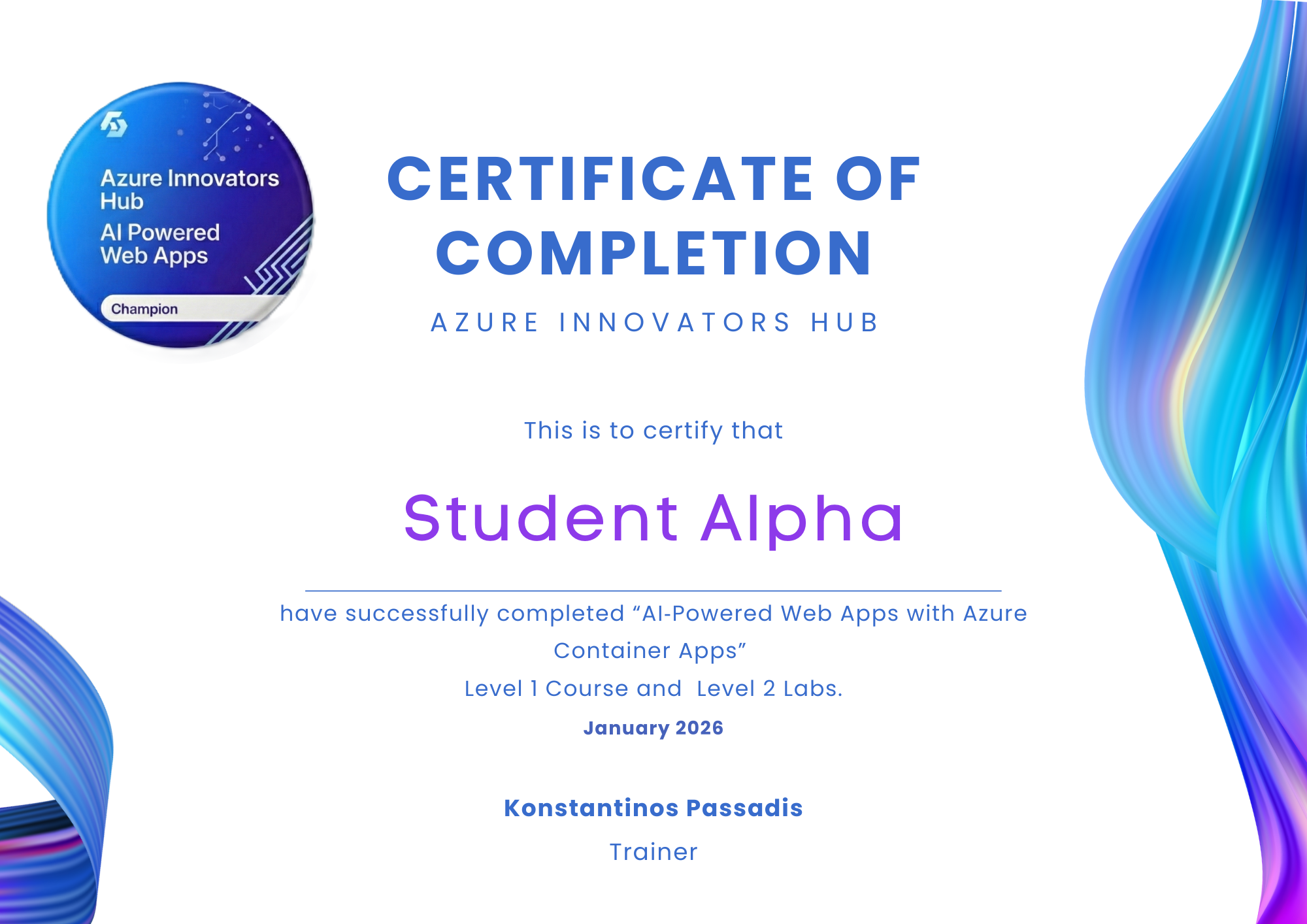
You’ll receive code samples, documentation, slide decks, and a certificate of completion. The Azure Virtual Desktop comes pre‑installed with required tools.
Yes. The entire training is remote. You only need a stable internet connection and modern browser.
Full attendance is required since Day 2 builds on Day 1. If you have conflicts, consider a future cohort.